(
)
Here is how AI fits into my design work
I didn’t start using AI because it was trending. I adopted it as my scope expanded and the systems I worked on became more interconnected. Today, AI supports my research and idea exploration across UX research, content, imagery, note-taking, and prototyping; helping me bring ideas to life in tangible, testable ways.
01
I use AI to work with content and information
Making sense of messy information
A lot of my work starts with: research transcripts, support conversations, partner and stakeholder feedback, logs, specs, and edge cases
I use Chat GPT and Notebook LLM to group feedback into themes, surface patterns I might miss on a first pass, and turn unstructured input into something I can reason about.
The insight still comes from human judgment.
Stress-testing ideas and flows
When designing complex flows, I often use AI as a thinking partner to walk through edge cases, simulate failure states, and sanity-check long or fragile journeys.
This has been useful for: Multi-sided flows, Admin and analytics tools and early-stage products where assumptions are still forming
I don’t treat the output as final. I normally approach it as something to react to, question, and refine.
Turning technical docs into usable design inputs
I use Chat GPT and Claude to reframe specs into clearer briefs, pull out user-impacting decisions, and translate constraints into considerations.
I have folders dedicated to keep contexts. Helps me kick things off with a more usable starting point and instead of guesswork.
It still takes judgment and editing.
Writing and refining UX content
I use AI to support UX copy drafts, error messages, recovery states, and tone variations for different user contexts.
This is helpful in sensitive flows, where clarity and reassurance matter more than cleverness. Final copy decisions are always reviewed and grounded in context, risk, and user needs.
Making sense of messy information
A lot of my work starts with: research transcripts, support conversations, partner and stakeholder feedback, logs, specs, and edge cases
I use Chat GPT and Notebook LLM to group feedback into themes, surface patterns I might miss on a first pass, and turn unstructured input into something I can reason about.
The insight still comes from human judgment.
Stress-testing ideas and flows
When designing complex flows, I often use AI as a thinking partner to walk through edge cases, simulate failure states, and sanity-check long or fragile journeys.
This has been useful for: Multi-sided flows, Admin and analytics tools and early-stage products where assumptions are still forming
I don’t treat the output as final. I normally approach it as something to react to, question, and refine.
Turning technical docs into usable design inputs
I use Chat GPT and Claude to reframe specs into clearer briefs, pull out user-impacting decisions, and translate constraints into considerations.
I have folders dedicated to keep contexts. Helps me kick things off with a more usable starting point and instead of guesswork.
It still takes judgment and editing.
Writing and refining UX content
I use AI to support UX copy drafts, error messages, recovery states, and tone variations for different user contexts.
This is helpful in sensitive flows, where clarity and reassurance matter more than cleverness. Final copy decisions are always reviewed and grounded in context, risk, and user needs.
02
AI for imagery and visual exploration
I use AI generated imagery to explore visual directions early, including mood, tone, and metaphor, before committing to polished design. When words or wireframes are not enough, imagery helps align on direction quickly.
I use tools like Midjourney for visual exploration. I also have Freepik (premium) AI suites for assets and backgrounds, and also experiment with tools such as DALL·E, Adobe Firefly, and Runway to explore imagery, motion, and narrative feel.
The outputs are rarely final. I treat them as starting points that I refine, combine, or update to support storytelling, early concepts, and prototypes.
I use tools like Midjourney for visual exploration. I also have Freepik (premium) AI suites for assets and backgrounds, and also experiment with tools such as DALL·E, Adobe Firefly, and Runway to explore imagery, motion, and narrative feel.
The outputs are rarely final. I treat them as starting points that I refine, combine, or update to support storytelling, early concepts, and prototypes.
03
AI for prototyping and light coding
I use AI to move faster from idea to something interactive. This includes creating quick prototypes, testing interactions, and writing or adjusting small pieces of code to validate behavior.
Tools like Figma Make help me turn static designs into working concepts, while Claude and Lovable support quick logic exploration and iteration. I also use Vercel to spin up lightweight prototypes or experiments when I need to test real interactions in context.
This approach works especially well in early-stage work, experiments, and internal tools where speed, learning, and feedback matter more than polish.
Tools like Figma Make help me turn static designs into working concepts, while Claude and Lovable support quick logic exploration and iteration. I also use Vercel to spin up lightweight prototypes or experiments when I need to test real interactions in context.
This approach works especially well in early-stage work, experiments, and internal tools where speed, learning, and feedback matter more than polish.
Landing page developed using Claude
I developed a live landing page for a social commerce product, using Claude as an AI agent to support the coding, iteration, and refinement.
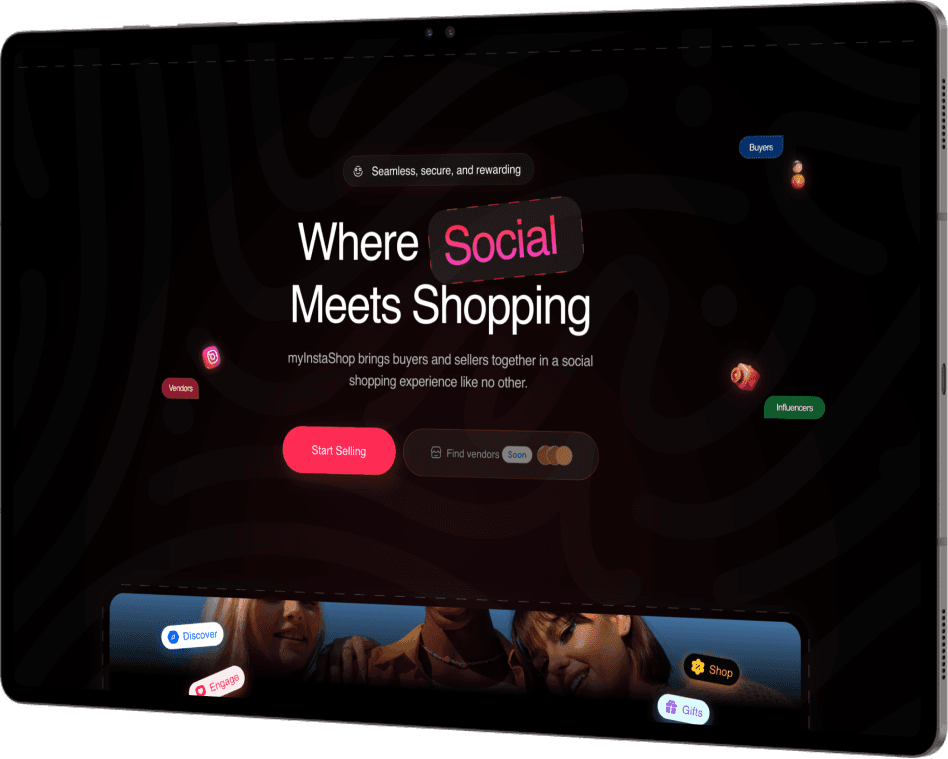
From Mockups to Working Prototype
I turned static design mocks into a functional prototype, then iterated by adding components and widgets. Through prompting and refinement, the design evolved into a realistic, responsive high-fidelity concept.
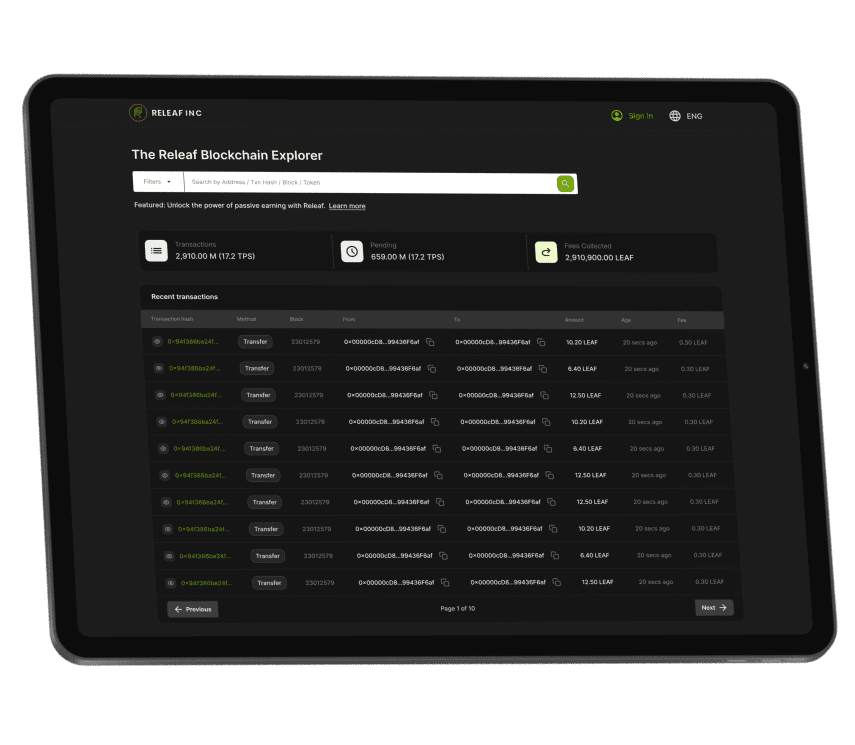
Landing page developed using Claude
I developed a live landing page for a social commerce product, using Claude as an AI agent to support the coding, iteration, and refinement.
From Mockups to Working Prototype
I turned static design mocks into a functional prototype, then iterated by adding components and widgets. Through prompting and refinement, the design evolved into a realistic, responsive high-fidelity concept.
03
AI for prototyping and light coding
I use AI to move faster from idea to something interactive. This includes creating quick prototypes, testing interactions, and writing or adjusting small pieces of code to validate behavior.
Tools like Figma Make help me turn static designs into working concepts, while Claude and Lovable support quick logic exploration and iteration. I also use Vercel to spin up lightweight prototypes or experiments when I need to test real interactions in context.
This approach works especially well in early-stage work, experiments, and internal tools where speed, learning, and feedback matter more than polish.
Landing page developed using Claude
I developed a live landing page for a social commerce product, using Claude as an AI agent to support the coding, iteration, and refinement.
From Mockups to Working Prototype
I turned static design mocks into a functional prototype, then iterated by adding components and widgets. Through prompting and refinement, the design evolved into a realistic, responsive high-fidelity concept.
04
Design for AI powered products
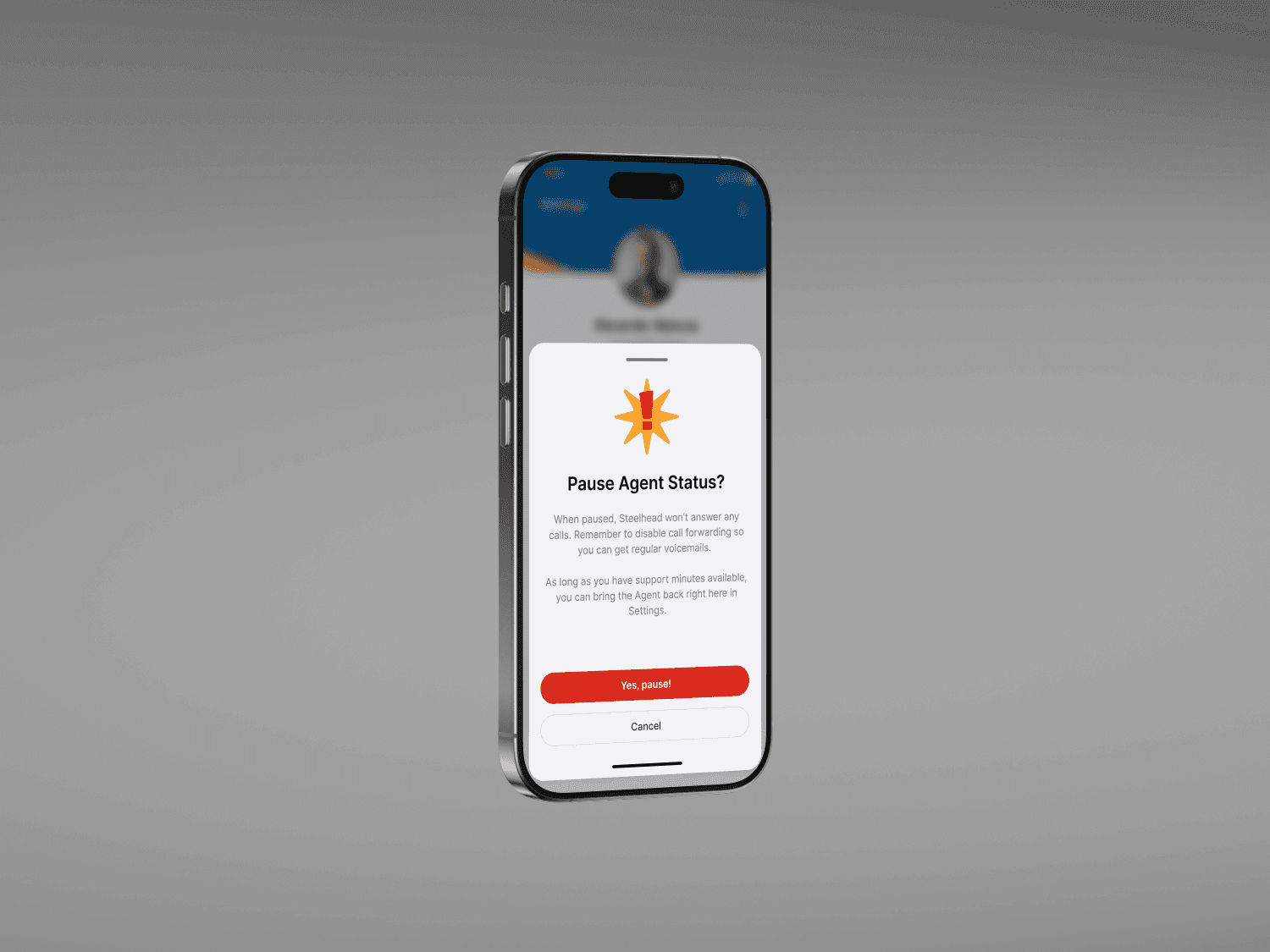
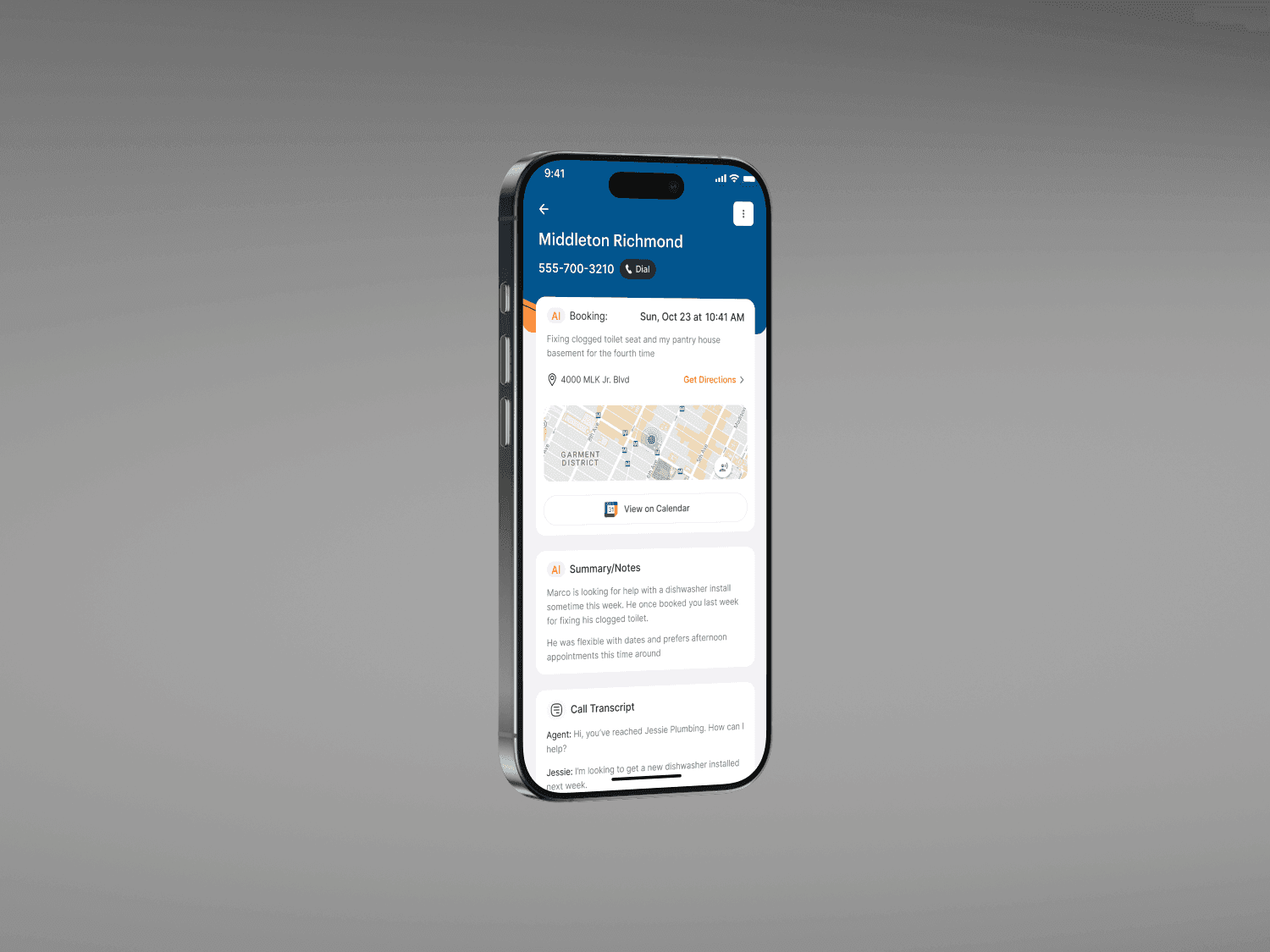
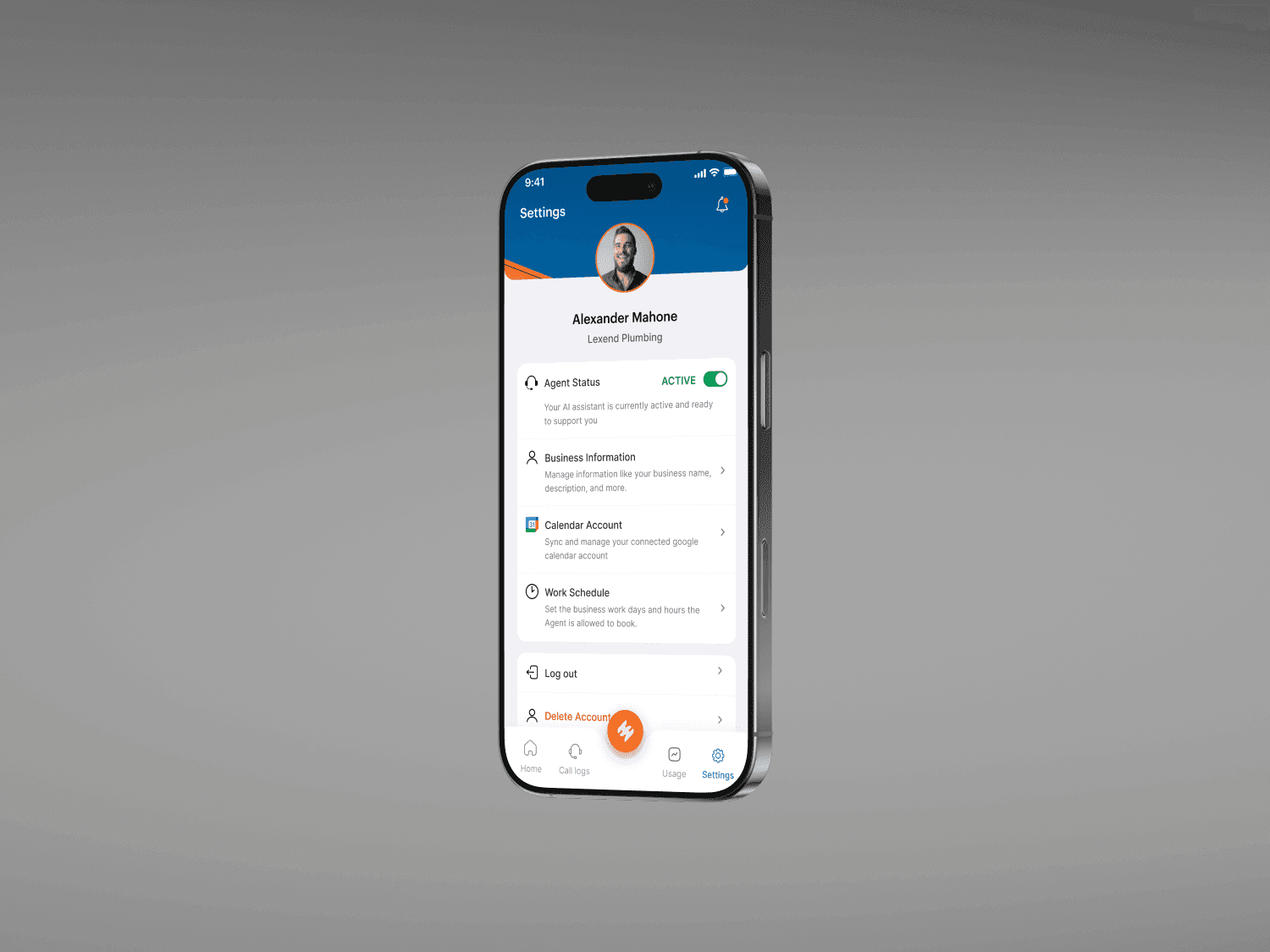
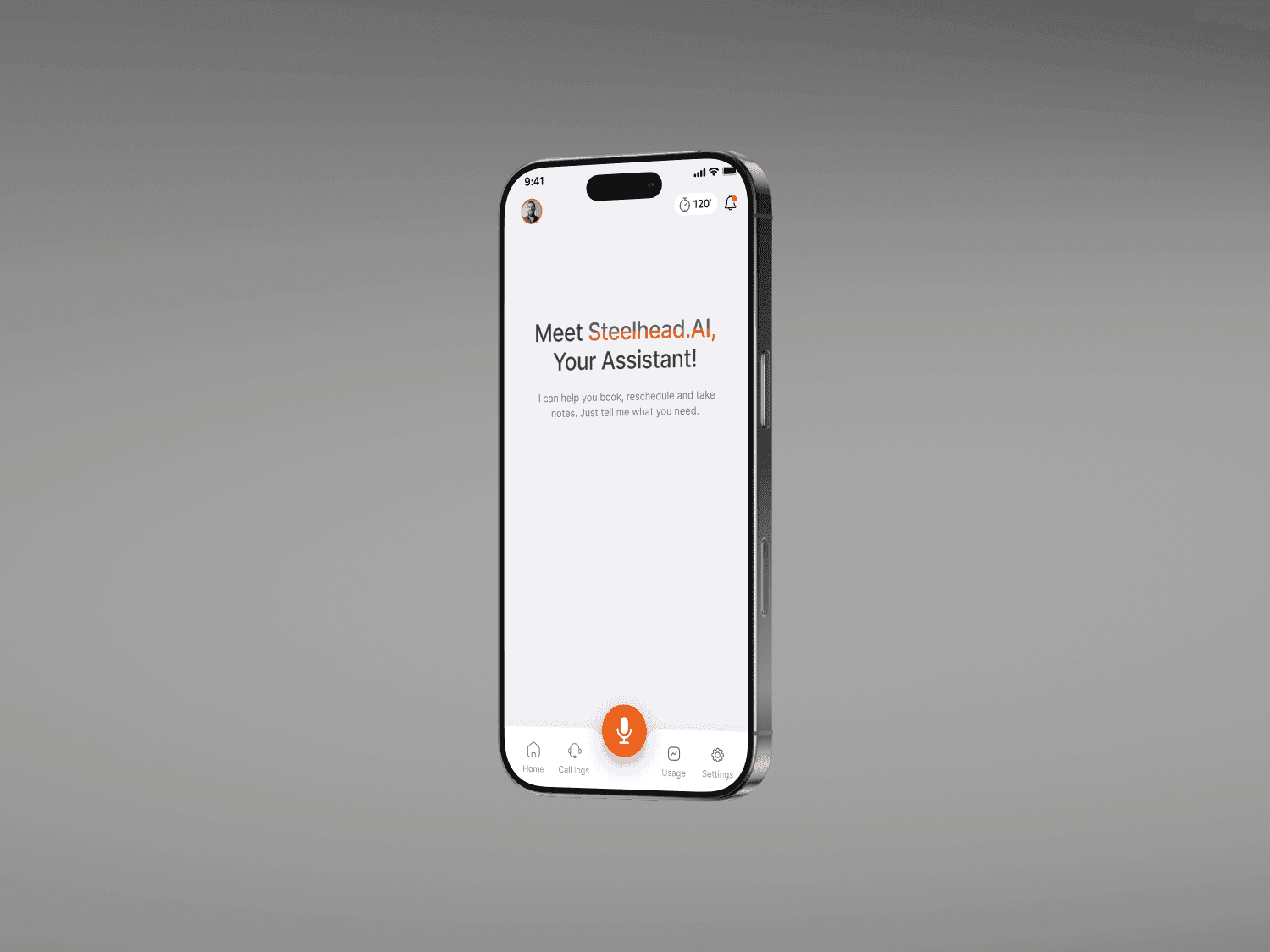
When I work on AI products, I focus less on what the AI can do and more on how it feels to use. I care about what users understand and what they can control.
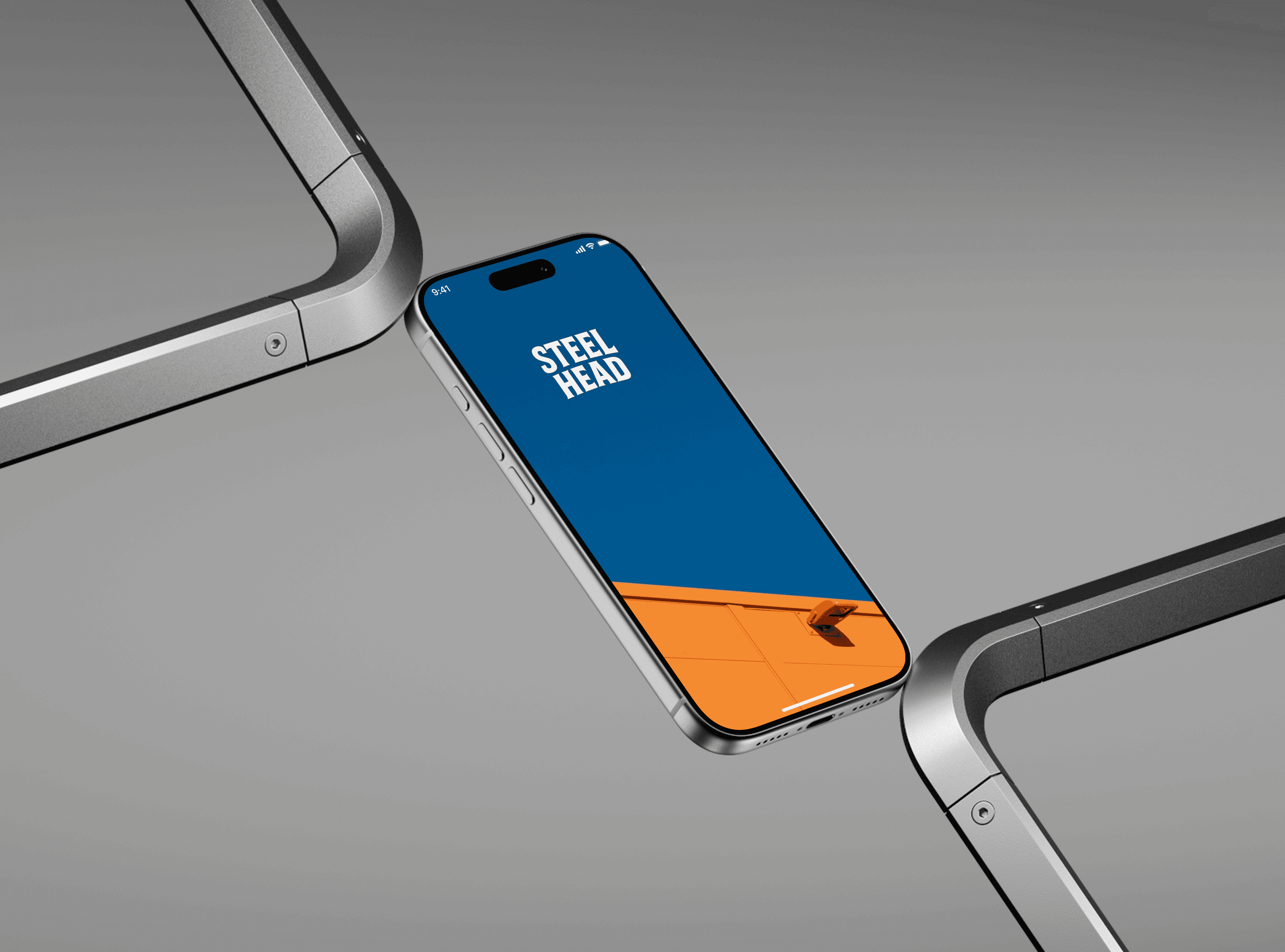
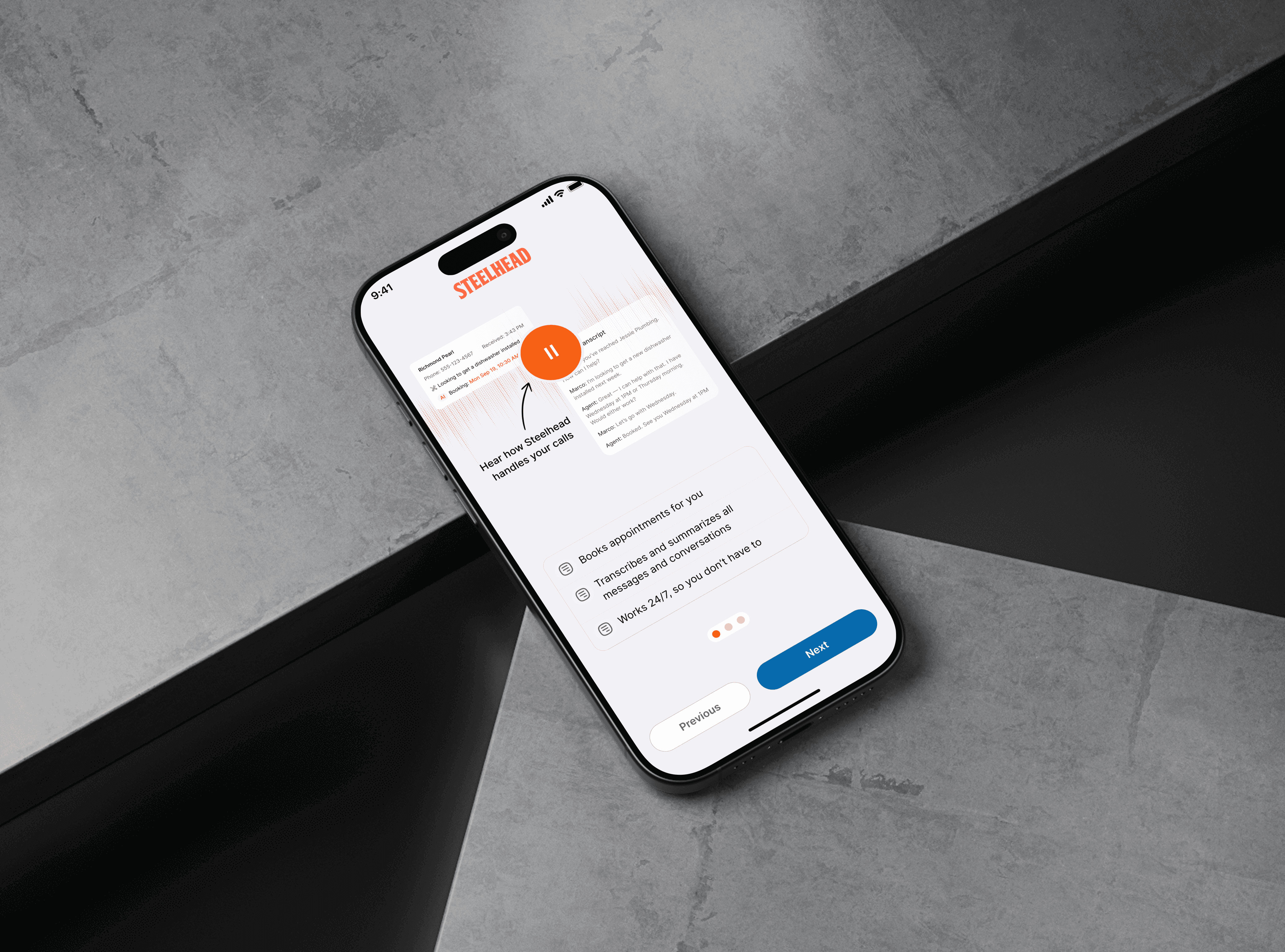
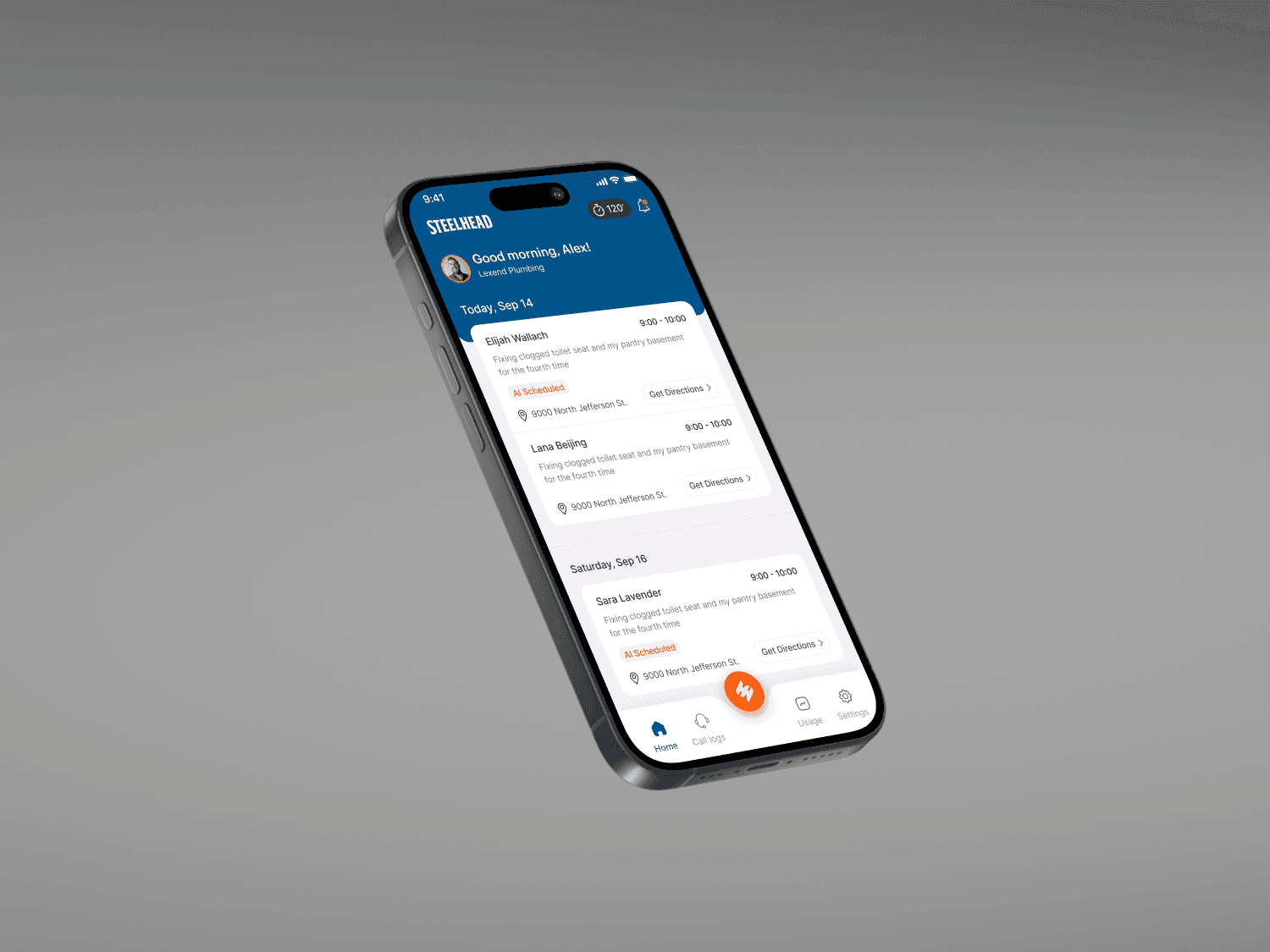
On products like Steelhead, I designed clear, predictable automation and interfaces that build trust instead of confusion.
Good AI UX should feel helpful calm and well explained to users to avoid confusion.
On products like Steelhead, I designed clear, predictable automation and interfaces that build trust instead of confusion.
Good AI UX should feel helpful calm and well explained to users to avoid confusion.